Meccha Chameleon Seeker Guide
Seeking is an inspection job, not a shooter. Your eyes are looking for things that don’t belong — wrong hues, odd shadows, human-shaped bulges, and poses that don’t match nearby props. This guide covers the one rule that matters most, the tells to scan for, and how to patrol a room efficiently.
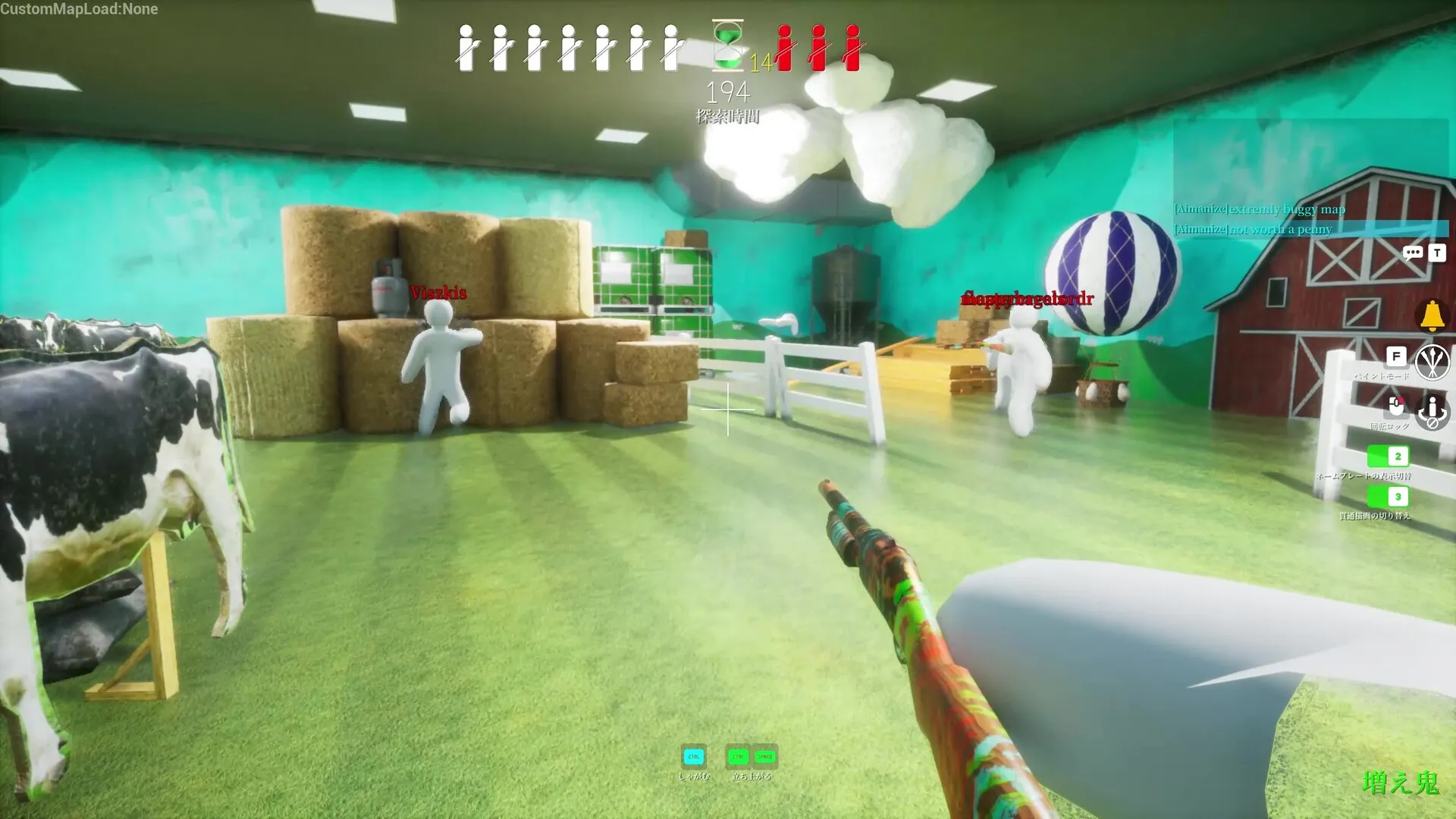
The Seeker rule of one: hunt shapes, not colors
Color matching is hard for Hiders, so most of them get it roughly right. Outlines are harder. Limbs that cross a surface edge and silhouettes that don’t match any real object give Hiders away faster than paint mistakes. Train your eyes on shapes first and the color tells become a bonus.
The visual tells to scan for
- Color mismatch — a clean patch of one color sitting against dirtier, varied surroundings.
- Shadow direction — body shading that fights the room’s actual light source.
- Outline errors — limbs extending past frames, shelves, or floor tiles.
- Stiff poses — a shape that’s too neat or repeats where no similar prop exists.
- Brush noise — a clean cyan or bright patch where the texture should be muddy.
- 3D warp — on a moving or curved body, grid lines break and the texture stretches across the limbs.
- Drop shadow — dynamic lighting casts a subtle shadow beneath a flattened body.
Patrol priority: where Hiders actually are
Tracked Hider behavior breaks down to roughly 65% flat surfaces, 25% corners, and 10% open floor. So work the room in that order: perimeter first, then clutter clusters, then low gaps with a crouch scan, and only sweep the open areas last. Don’t tunnel on one odd object — scan the whole room first, then commit.
Lower your sensitivity
Drop your mouse sensitivity below your usual shooter setting. Seeking rewards slow, deliberate camera movement so you can actually read outlines and shading instead of whipping past them.