Poses, Crouch & Lay-Down
Poses are body-posture presets that flatten or reshape your silhouette to mimic paintings, floor tiles, shelves and corners. They matter because you are not just trying to become smaller — you are trying to become believable. A low shape in the wrong place can look more suspicious than a taller shape that repeats a nearby prop.
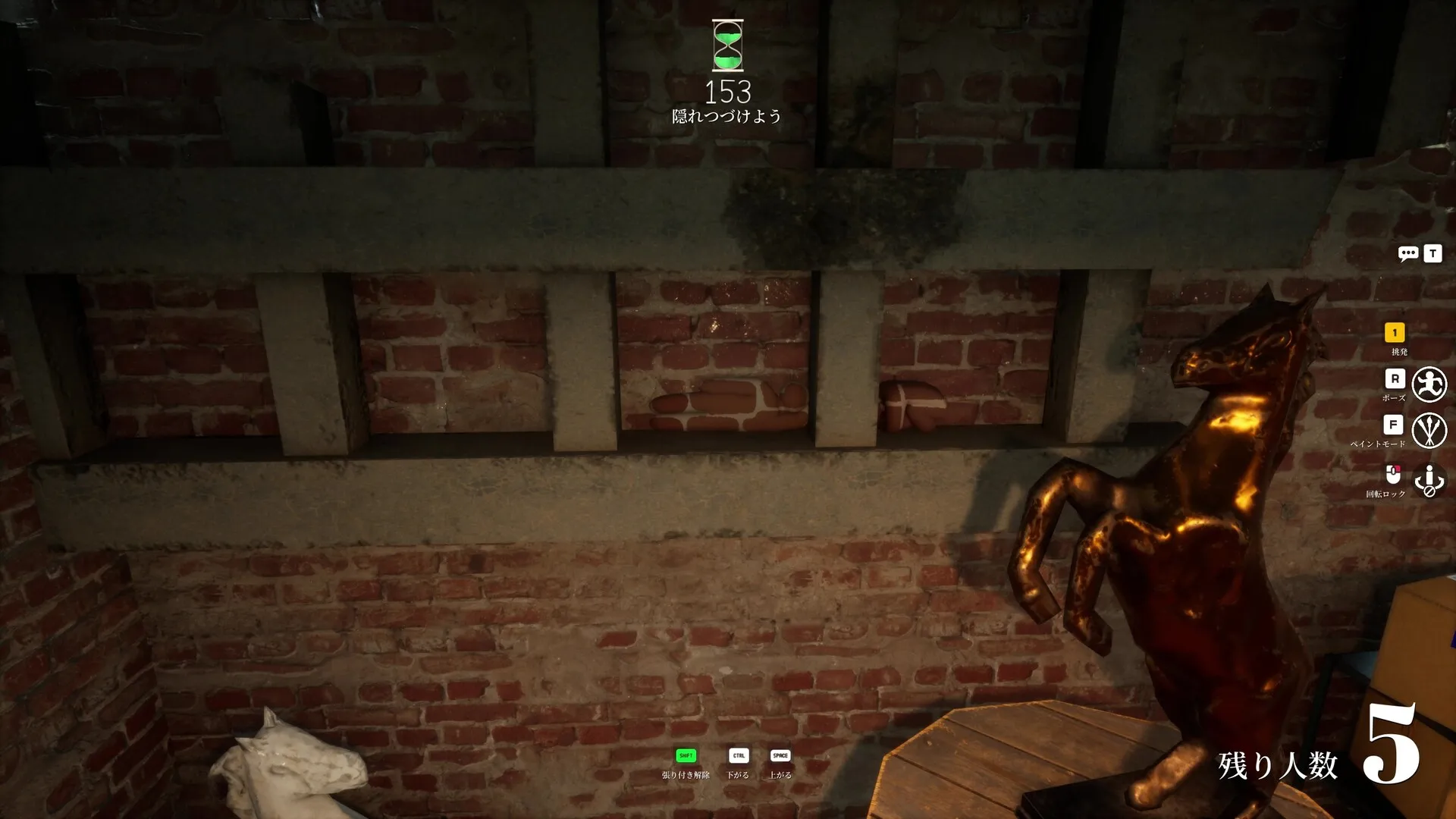
Pose vs crouch vs lay-down
Think of it as two separate questions: which input changes your body shape, and whether that shape fits the room.
- Crouch lowers your position — good for shelves, low furniture and tucking under things.
- Lay-down flattens your outline — good for floor tiles, rugs and anything that should lie flat.
- Poses are presets that reshape the silhouette to read as a painting, a corner or a stacked object.
Crouch and fast-fall share the Ctrl key by default, and the pose menu opens with R. The newest update (v1.2.0) added 2 new poses to the set.
Why silhouette beats size
Seekers are told to hunt shapes, not colors — outlines that don't match any object give Hiders away faster than paint mistakes. Limbs that cross a frame, shelf or tile edge, and stiff or unnatural poses, are top tells. So a believable repeat of a nearby prop will almost always outlast a smaller-but-out-of-place shape.